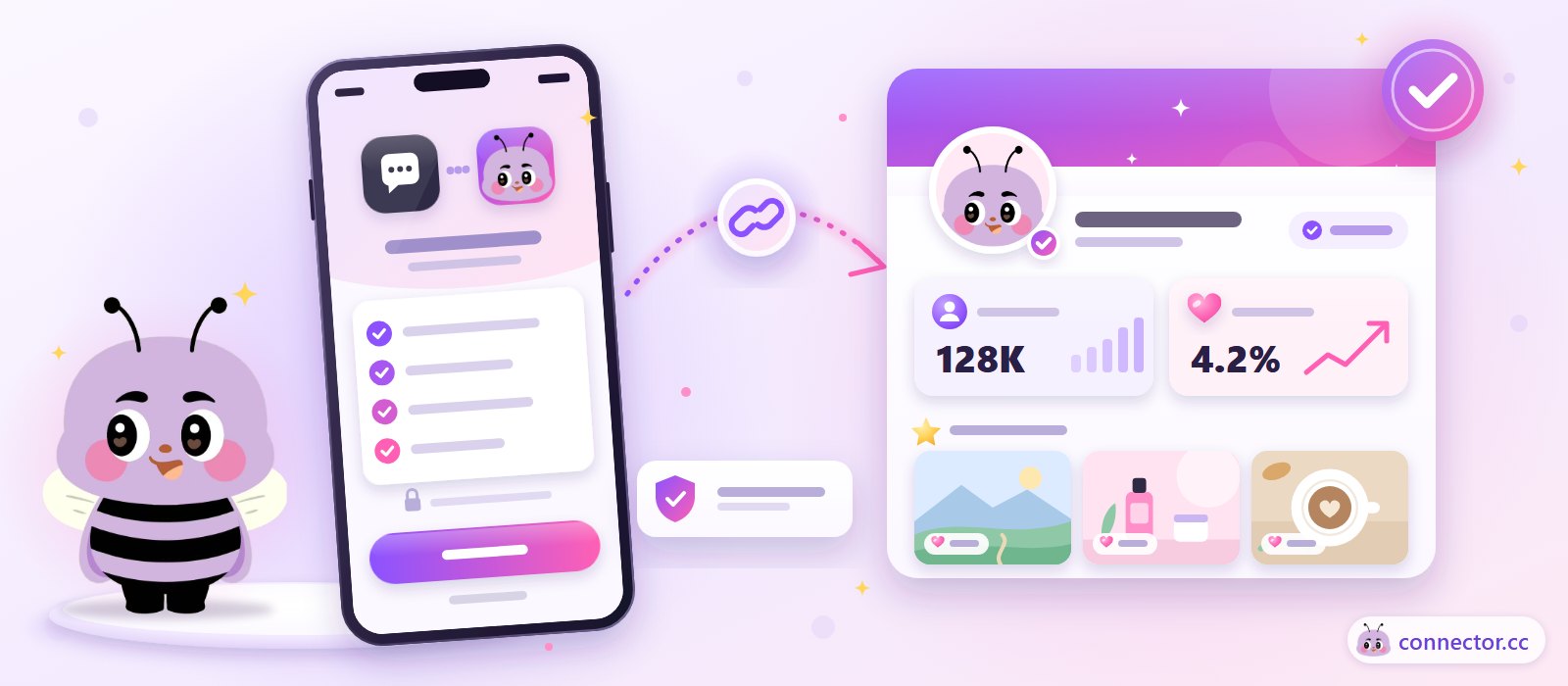
Creator account verification is the first step to getting brands to trust your numbers. On Connector Club, you link your social accounts through official Meta, TikTok or YouTube authorization, so the followers, engagement rate and top posts that brands see come straight from the platform. They aren't typed in by you, and they aren't screenshots. Linked accounts get you more, and more relevant, job opportunities, and completing real-name verification adds a verified badge to your profile.
Why link your social accounts
The biggest worry for brands choosing creators is fake followers and inflated engagement. Creators used to send screenshots to every brand, and brands had no easy way to check them. Once your accounts are linked, the data comes from the platform itself, and that problem goes away.
Screenshots vs official account linking
Screenshots
- Sent again for every brand
- Only show the numbers on the day they were taken
- Hard for brands to trust, so they may pass you over
Official account linking
- Link once, and every brand can see it
- Followers, engagement rate and top posts come from the platform
- Verified data gives brands the confidence to invite you
As of August 2026, more than 4,800 creators on the platform have completed real-name verification. It matters most for large offline events, where brands need to know exactly who is showing up.
Supported platforms and official APIs
Platform API access requires application review, security checks and use-case verification. That means Connector Club works with real, verified first-party data, not estimates or scraped numbers.
ByteDance is an education partner that runs brand and creator education programmes with Connector Club. It isn't a data source. Xiaohongshu and Threads can't be linked through an official API.
How to link your accounts
- Sign up as a creatorCreate a free account at app.connector.cc and set your display name.
- Choose a platformPick the Instagram, Facebook, TikTok or YouTube account you want to link.
- Log in and authorizeSign in on the platform's official authorization page and allow Connector Club to read your data.
- Check the resultOnce linked, brands see that account's data on your profile. If the account is below the minimum follower count, you'll see "does not meet the required criteria".
Minimum follower requirements
Each social platform has a minimum follower count, set by the platform admin. If you see "does not meet the required criteria" when linking, that account is below the threshold for that platform. Try linking a different account that does meet it, such as a larger account on another platform. To see how your engagement stacks up, try the engagement rate calculator.
Display name vs real name
Brands only ever see your display name. Your first and last name are never shown to brands. Use the name you're best known by online, so brands recognise you at a glance.
The first and last name you enter stay inside the platform and are never shown to brands on your profile or in chat. The real-name verified badge is what tells brands there's a real person behind the account.
Fixing common account linking problems
Check before you link
- Instagram must be a Business or Creator account. Personal accounts can't be linked
- If you're still asked for a business account, you can switch to a Business account at any time
- On Facebook, only Pages and Groups can be linked, not personal or Professional profiles
- You need to be an Admin with Full Control of the Facebook Page
- If linking fails on your phone, link on a computer, then manage jobs on your phone
If Instagram shows "400 Session Invalid", log out of Instagram completely, close the browser or app and try again. You can also clear cookies and cache, or switch between Wi-Fi and mobile data. If that doesn't work, add a Facebook account in Instagram's Accounts Center (you can remove it later), then reconnect. Step-by-step fixes with screenshots are in the creator troubleshooting guide.
Still stuck? Click Report Issue in the app to send a support request. Choose the platform, enter your handle, describe the problem and attach screenshots if you like.
FAQ
Why should I link my social media accounts?
Brands can see your followers, engagement rate and top posts without you sending screenshots. Because the data comes through official APIs, brands are more confident inviting you, and you get more relevant job opportunities.
Will brands see my real name?
No. Brands only see your display name. Your first and last name are never shown to brands.
What does "does not meet the required criteria" mean?
Each platform has a minimum follower count set by the platform admin. If your account is below it, you'll see this message. Try linking a different account that meets the threshold.
Can I link a personal Instagram account?
No. Because of Instagram's limits, only Business and Creator accounts can be linked. You can switch your account type in Instagram's settings at any time.
Can I link Xiaohongshu or Threads?
Not at the moment. Connector Club's official API linking covers Meta (Instagram and Facebook), TikTok and YouTube only.
What should I do if linking fails?
Follow the steps in the creator troubleshooting guide first. If that doesn't help, click Report Issue in the app, choose the platform, enter your handle and describe the problem, with screenshots if you have them.